
10 Best Free Saturation VST Plugins for Warmth

- Disclosure: Some links in this article are affiliate links. We may earn a small commission if you make a purchase, at no extra cost to you.
Does your mix sound thin, cold, or “too digital”? This dilemma is a common problem for producers who work entirely in the box.
The solution is Saturation.
Saturation adds harmonic distortion, warmth, and “grit” to your audio. It emulates the sound of vintage analog hardware, tape machines, and tubes. It is the secret sauce that makes professional tracks sound loud and thick.
And you don’t need to spend $199 on Soundtoys Decapitator to get it. We tested the best free saturation VST plugins to find the ones that add real character without ruining your mix.
Quick Picks: Our 3 Best Free Saturation VST Plugins
Category | Plugin Name | Best For |
Best Overall | Softube Saturation Knob | One-Knob Simplicity |
Best for Vocals | Slate Digital Fresh Air | Adding “Air” & Clarity |
Best Analog | Klanghelm IVGI | Console Warmth & Glue |
Here are our 10 best free saturation VST plugins you can download in 2026.
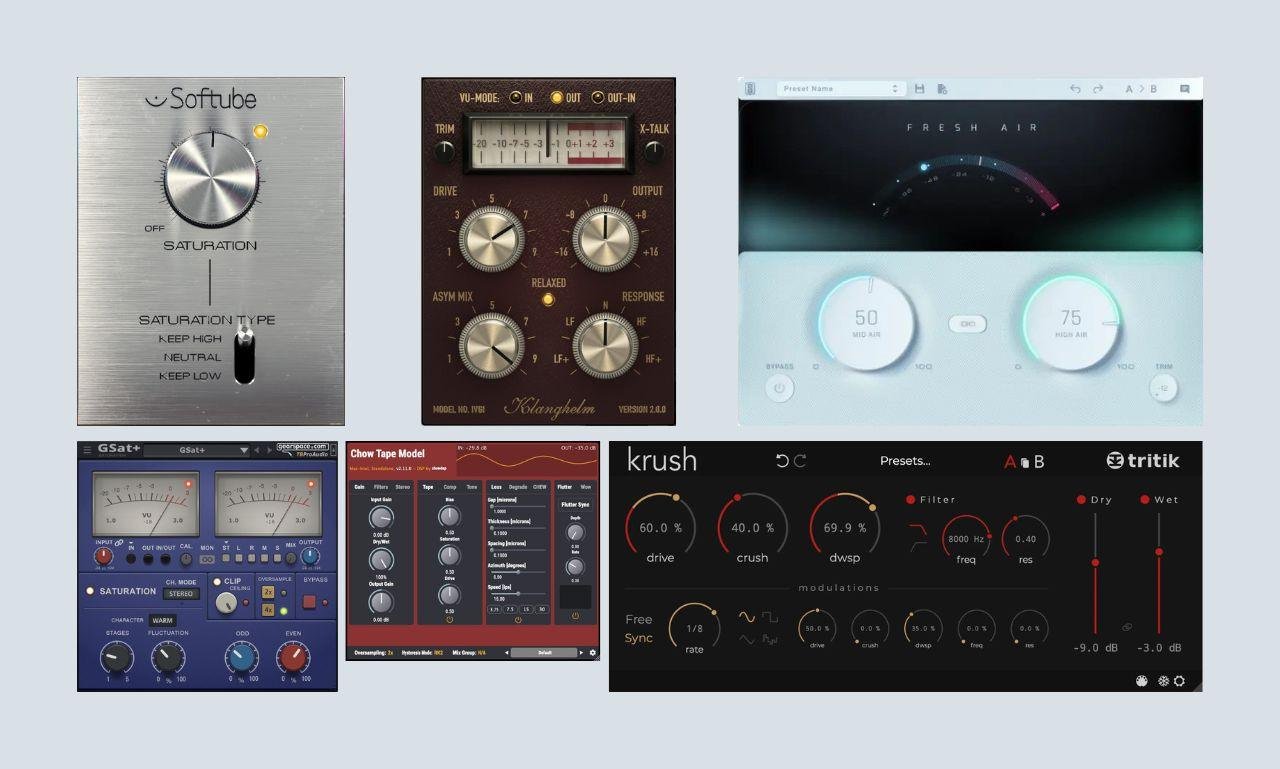
1. Saturation Knob (by Softube)
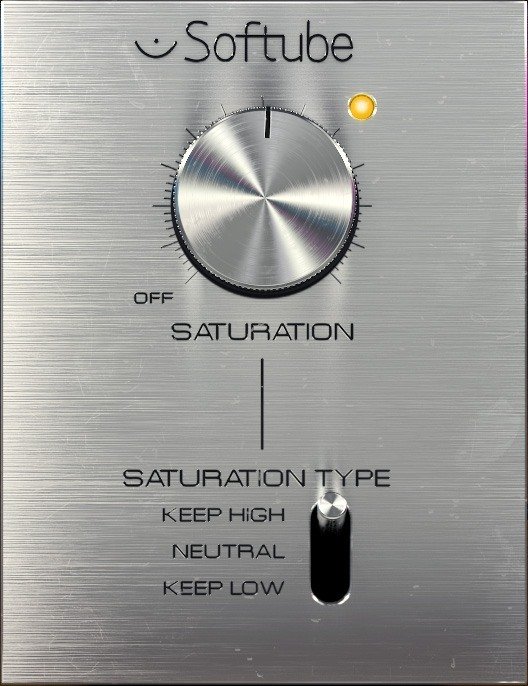
This is arguably the most famous free plugin in the world. The Saturation Knob does exactly what it says: it has one giant knob. You turn it up, and things sound better.
It features three modes: Keep High, Neutral, and Keep Low. This allows you to saturate a drum loop without killing the kick drum (Keep Low) or distort a vocal without ruining the breathiness (Keep High).
➤ Best for: Everything.
➤ Why we love it: It is impossible to make it sound bad.
2. Fresh Air (by Slate Digital)
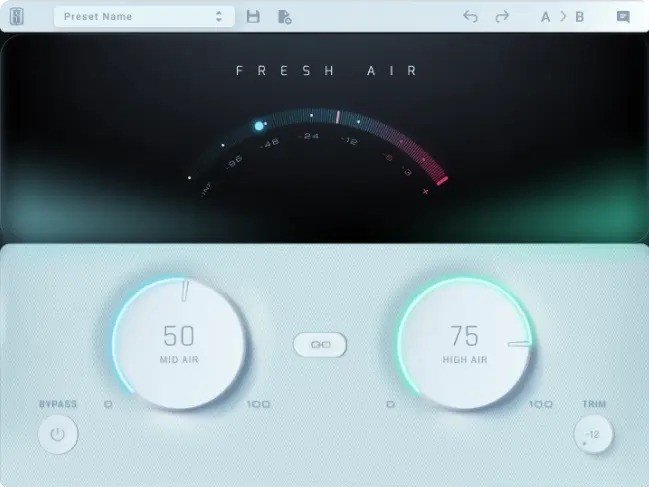
This is one of the best “magic” plugins released in recent years. Fresh Air is a dynamic high-frequency processor that adds brightness and shimmer without sounding harsh.
It uses vintage exciter circuits to bring dull vocals or dark drums to life. It technically adds saturation to the top end, making your tracks sound expensive and modern instantly.
➤ Best for: Vocals, Mix Bus, and Hi-Hats.
➤ Note: It requires a free iLok account.
3. IVGI (by Klanghelm)
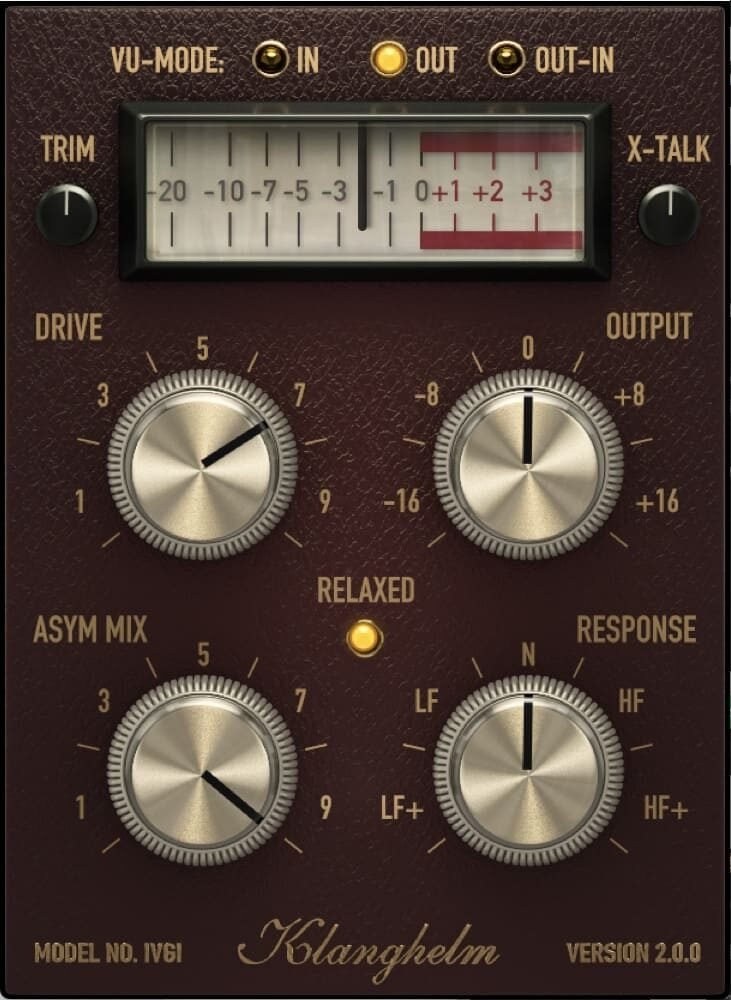
If you want your track to sound like it was mixed on an expensive analog console, get IVGI. It is designed for “Soft Saturation.”
It doesn’t create crazy distortion. Instead, it adds a subtle thickness and “glue” to the sound. It reacts dynamically to your audio, taming harsh transients while boosting the body of the sound.
➤ Best for: The Master Bus, Drum Bus, and Acoustic Guitars.
4. Chow Tape Model (by ChowDSP)
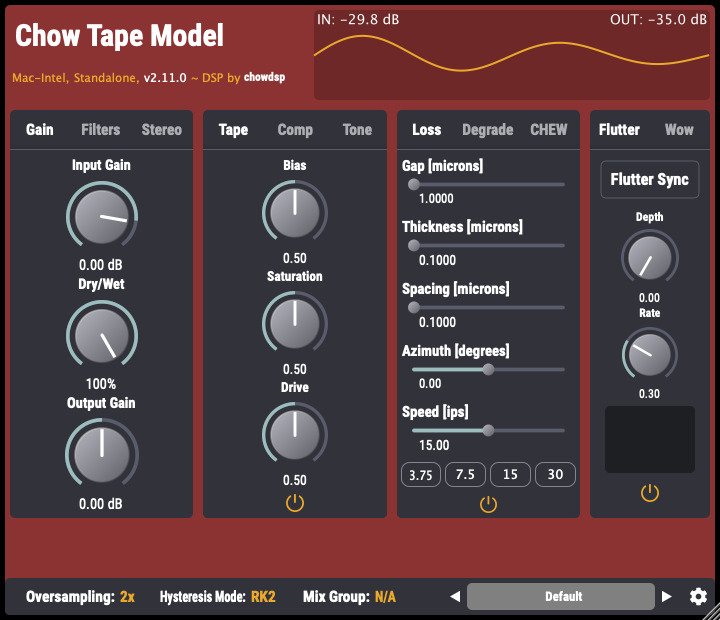
If you want the sound of a wobbly, degraded cassette tape, this is the best free option. Chow Tape started as a university project to emulate the Sony TC-260 tape recorder.
It is incredibly complex. You can tweak the “Flutter,” “Wow,” and “Bias” to create everything from subtle warmth to a completely broken, Lo-Fi tape sound.
➤ Best for: Lo-Fi Hip Hop, Synthwave.
5. Tube Amp (by Voxengo)
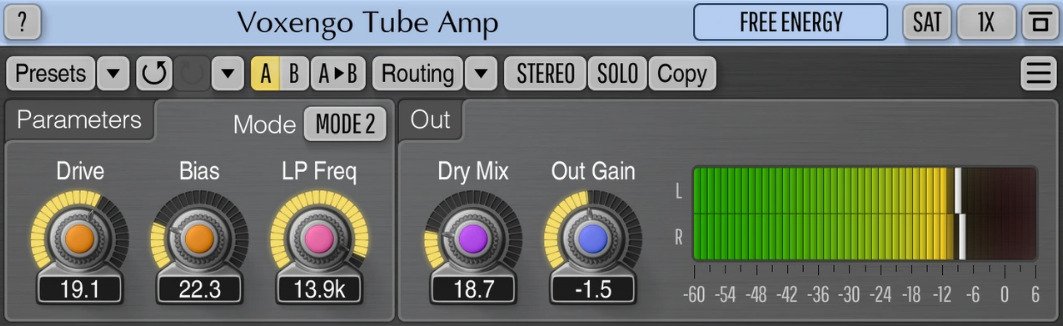
From the makers of Span and OldSkoolVerb, Tube Amp applies asymmetric tube overdrive to your signal. It is fantastic for “warming up” cold digital synths or adding a bit of hair to a clean guitar DI.
It also features a Low-Pass filter to simulate the darker tone of vintage vacuum tubes.
➤ Best for: Guitars, Synths, Warmth.
6. SGA1566 (by Shattered Glass Audio)
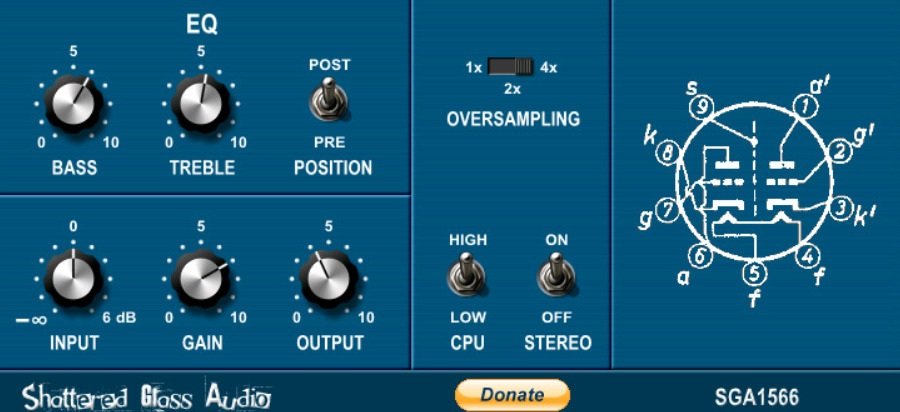
This plugin emulates a vintage Tube Preamp. It uses intense CPU power to simulate the actual circuit of a tube amp in real-time.
Because it is so realistic, it sounds incredibly warm and authentic. Put this on a clean digital vocal recording to make it sound like it was recorded in 1960.
➤ Best for: Vocals, Vintage Rock.
7. FerricTDS (by Variety Of Sound)
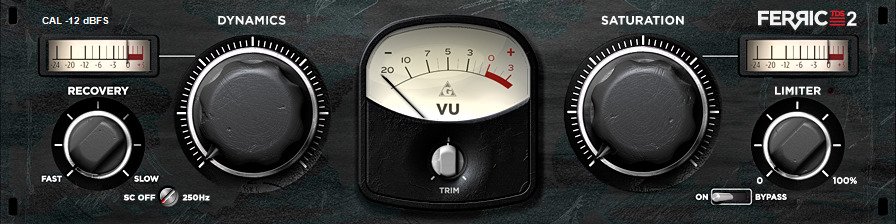
FerricTDS (Tape Dynamics Simulator) is designed to create the “compression” effect of magnetic tape. When you record loud signals to tape, it naturally compresses and saturates them.
This plugin recreates that effect. It is fantastic for “gluing” a drum bus together so it sounds like one cohesive kit rather than individual samples.
➤ Best for: Drum Bus, Mastering.
8. Krush (by Tritik)
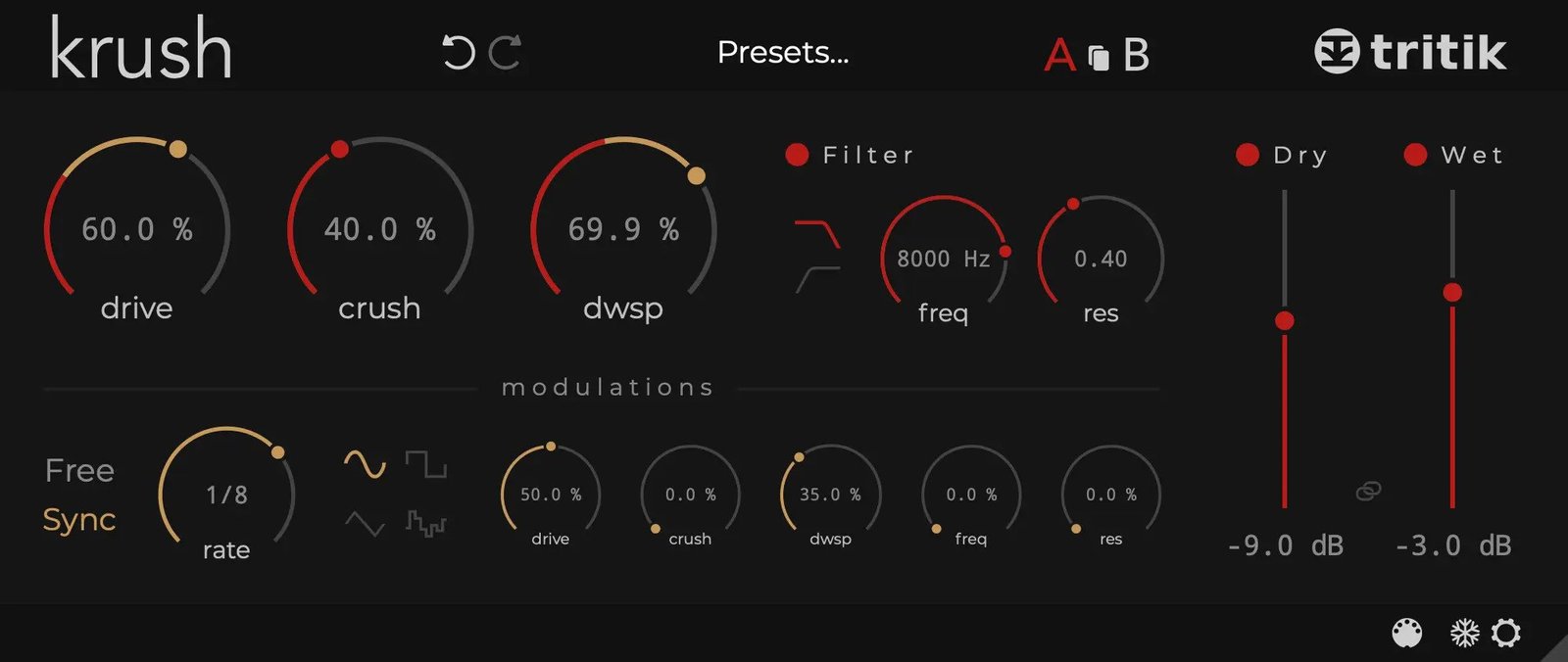
If you want to destroy your sound creatively, get Krush. It is a Bitcrusher and Distortion unit combined with a filter.
What makes it special is the Modulation section. You can modulate the drive or crush amount with an LFO, creating rhythmic, moving distortion textures that are perfect for Glitch Hop or IDM.
➤ Best for: Creative Distortion, Glitch Effects.
9. GSat+ (by TBProAudio)
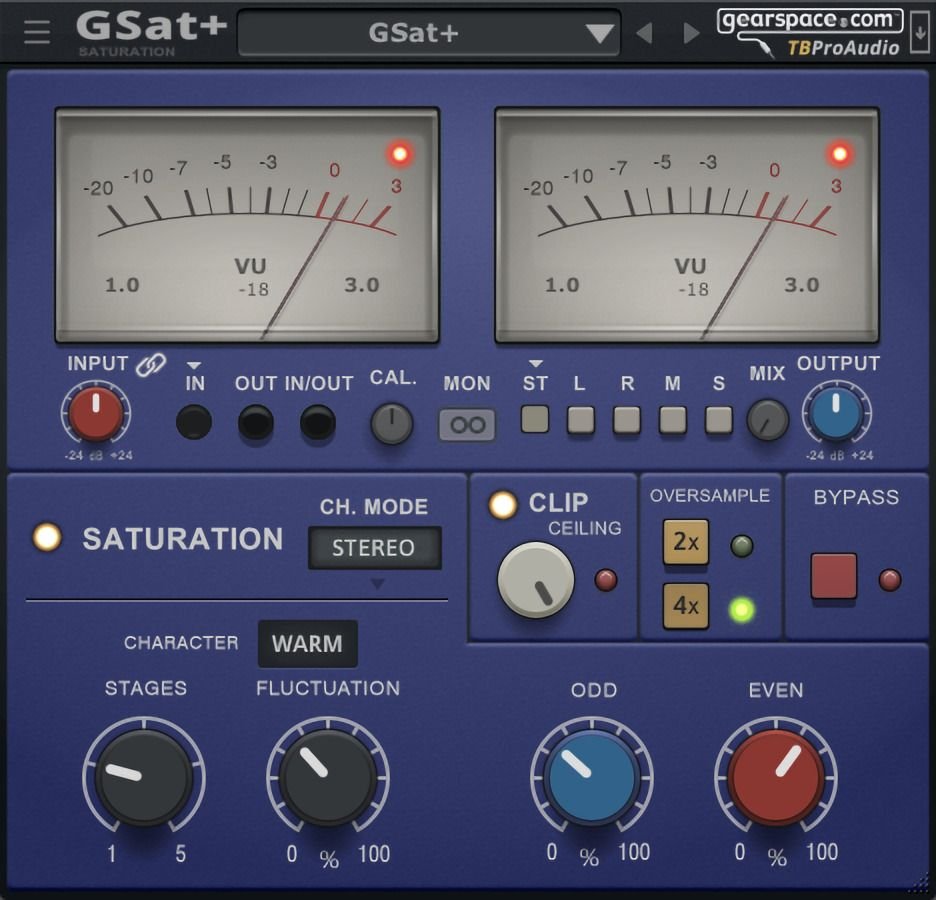
GSatPlus is a modern, feature-rich saturator. It allows you to saturate the Mid and Side channels separately.
This is a pro feature. You can distort the sides of your synth pad to make it wide and gritty while keeping the center clean and focused. It also includes a “Clip” protection to stop you from going into the red.
➤ Best for: Advanced mixing, stereo widening.
10. Analog Obsession Collection (Color & Preamp & Saturation Plugins)
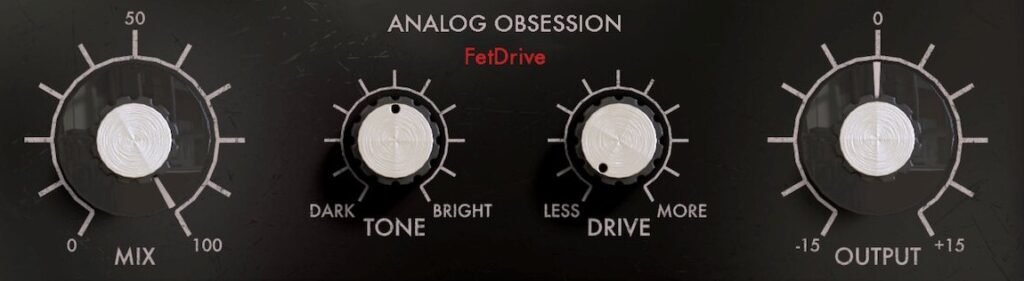

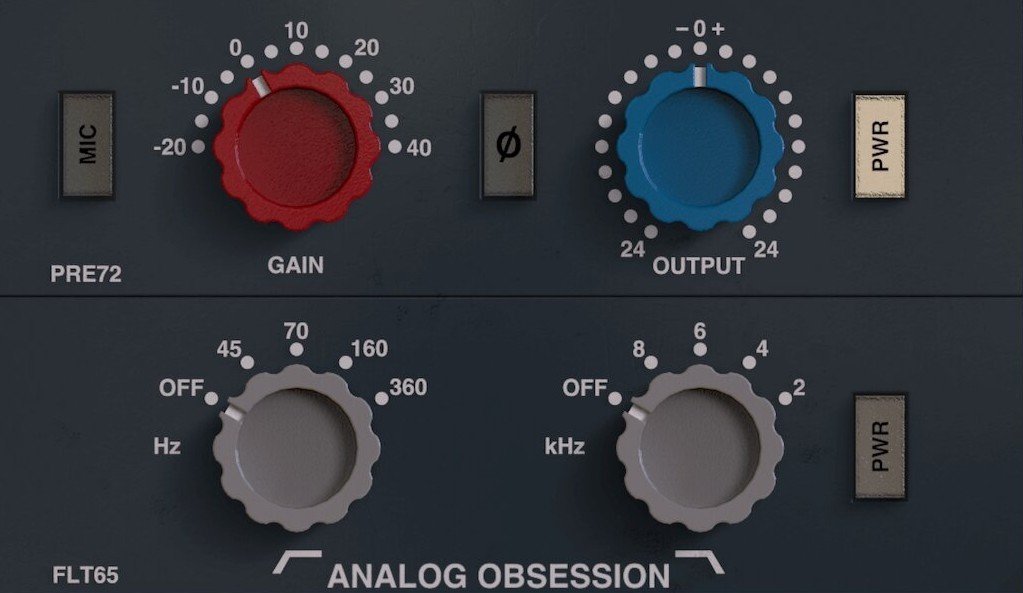
Why download one plugin when you can get an entire studio? Analog Obsession offers a massive library of over 11 different preamp and saturation plugins (like FetDrive, BRITPRE, and TUBA…) for free on Patreon.
Each plugin models a specific legendary console (Neve, API, SSL). Downloading this collection gives you a complete palette of analog colors to choose from.
➤ Best for: Building a complete vintage plugin folder.
Saturation vs. Distortion
What is the difference?
- Saturation: Subtle, warm, harmonic. Used on vocals, drums, and the master bus to add “fatness.” (Example: IVGI, Saturation Knob).
- Distortion: Aggressive, fuzzy, destructive. Used on guitars and industrial synths to destroy the sound.
➤ Our Recommendation: Start with the Softube Saturation Knob on individual tracks. If you want the ultimate paid analog box, Soundtoys Decapitator ($199) is the industry standard found in every pro studio.
3 Tips for Using Saturation
1. Subtle is Better:
You don’t need to crank the knob to 100%. Often, just 10-20% is enough to make a digital synth sound “real.”
2. On the Master:
Try putting Klanghelm IVGI on your Master Channel with very low drive settings. It acts as “Glue,” making your whole song sound cohesive and loud.
3. Warm Up Digital Synths:
Digital synths can sound cold. Put a saturator after one of our best free synth VSTs to give it an analog character.
FAQ:
Should I put saturation on every track?
You can. Many pro engineers use subtle saturation across most channels to emulate analog warmth. The key is subtle saturation; a little on each channel adds up.
Tape vs. tube saturation: what’s the difference?
Tape saturation adds gentle compression and warmth with rounded transients. Tube saturation generates richer harmonics with more obvious coloring. Both sound great; they’re just different flavors.
Can I use these on vocals?
Yes! A little bit of Tube Saturation (like SGA1566) helps vocals cut through a dense mix without needing to turn up the volume.
Is saturation the same as compression?
Not exactly, but they are cousins. Saturation naturally compresses the signal (reduces dynamic range) as you drive it harder. This is why saturated drums often sound “punchier.”
Is saturation the same as distortion?
Saturation is a type of distortion, specifically, a subtle, musical harmonic distortion. Not all distortion is saturation (bitcrushing and fuzz are distortion, but not saturation).
Final Thoughts
If your music sounds too “clean,” you need dirt. Download Softube Saturation Knob right now, it is the easiest way to make your tracks sound professional. You don’t need to spend money to get world-class saturation in 2026.
You Might Also Like:
- 15 Best Free Drum VST Plugins for Punchy Beats
- 10 Best Budget Audio Interfaces in 2026 (Focusrite, Motu & More)
- 12 Best Free Reverb VST Plugins for Lush Vocals
- 15 Best Free Synth VST Plugins in 2026 (Serum Alternatives)
- 8 Best Free Autotune VST Plugins for Vocals

AudioPluginList Team
We are a collective of music producers, sound designers, and audio engineers. We rigorously test every plugin in our studios to ensure it deserves a spot in your workflow. Our mission is to help you make pro music on any budget. Read More »